Capture photos and personal details
Collect names, contact details, ID numbers, departments, classes, membership groups, photos and supporting files.
Please wait
Loading workflows, responses, channels and verified records with a clean secure view.
What it does
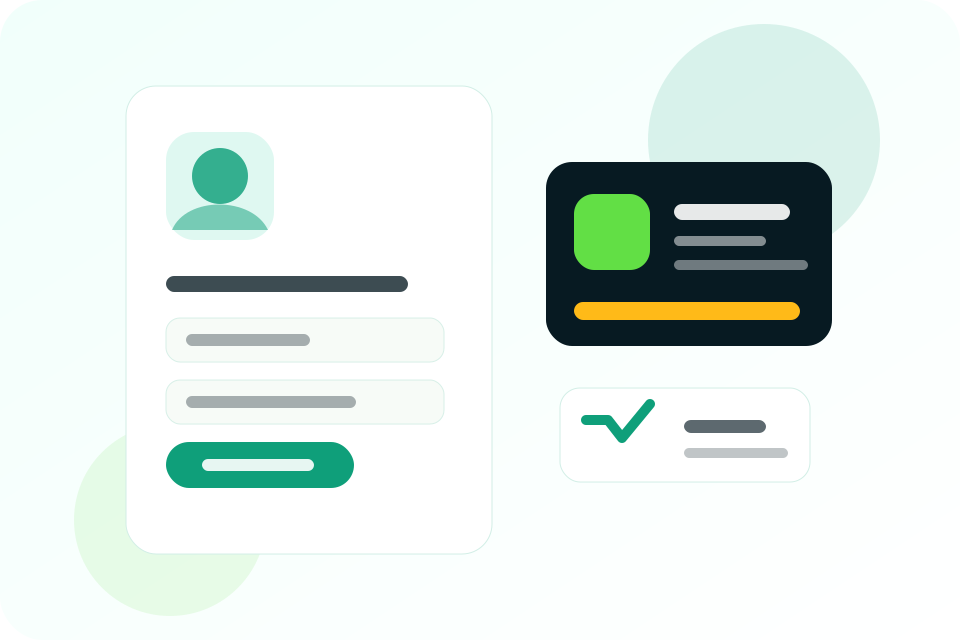
Use ID Capture when submissions are not just answers, but people records that may later become printable or downloadable ID cards.
Core value
Each page focuses only on features that are active in the current Gatepass setup.
Collect names, contact details, ID numbers, departments, classes, membership groups, photos and supporting files.
Check incomplete details, duplicates, missing photos or wrong information before generating any ID card.
Use card layouts for students, staff, members, visitors or organization records after approval.
One ID credit is used when an ID card is generated, so rejected or pending records do not waste card credits.
Why it helps
Gatepass is designed for practical teams that need cleaner collection, easier review, and usable records after submissions come in.
How to use it
Open the dashboard, choose the matching product tab, then publish when your setup is ready.
Open the ID Capture tab and select a card-focused template or blank setup.
Share the capture link so people can submit details, photos and required files.
Approve records only when details and images are correct.
Use ID credits to generate approved cards for download or printing.
Best for
Student ID cards, staff cards, class records and session-based capture.
Membership IDs, department IDs, volunteer records and visitor cards.
Employee cards, resident IDs, access cards and program participant records.
Free Mode
When you need more capacity, buy the matching PayGo pack. Active project limits can also be increased manually by admin for larger teams.
Ready to use it?
Collect clean ID records, approve the correct entries and generate cards when you are ready.